Drop shadow effect
Add a drop shadow under the objects visible on the layer.
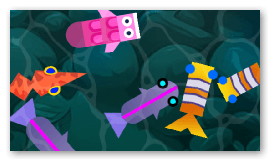
The Distance and Rotation properties control how far the shadow is offset and in which direction. Enable Shadow only to hide the object and keep just its shadow, which is useful to render a shadow as a separate element. As with the outline effect, increase the Padding if the shadow is clipped at the edges.
Reference
All effects are listed in the effects reference page.